









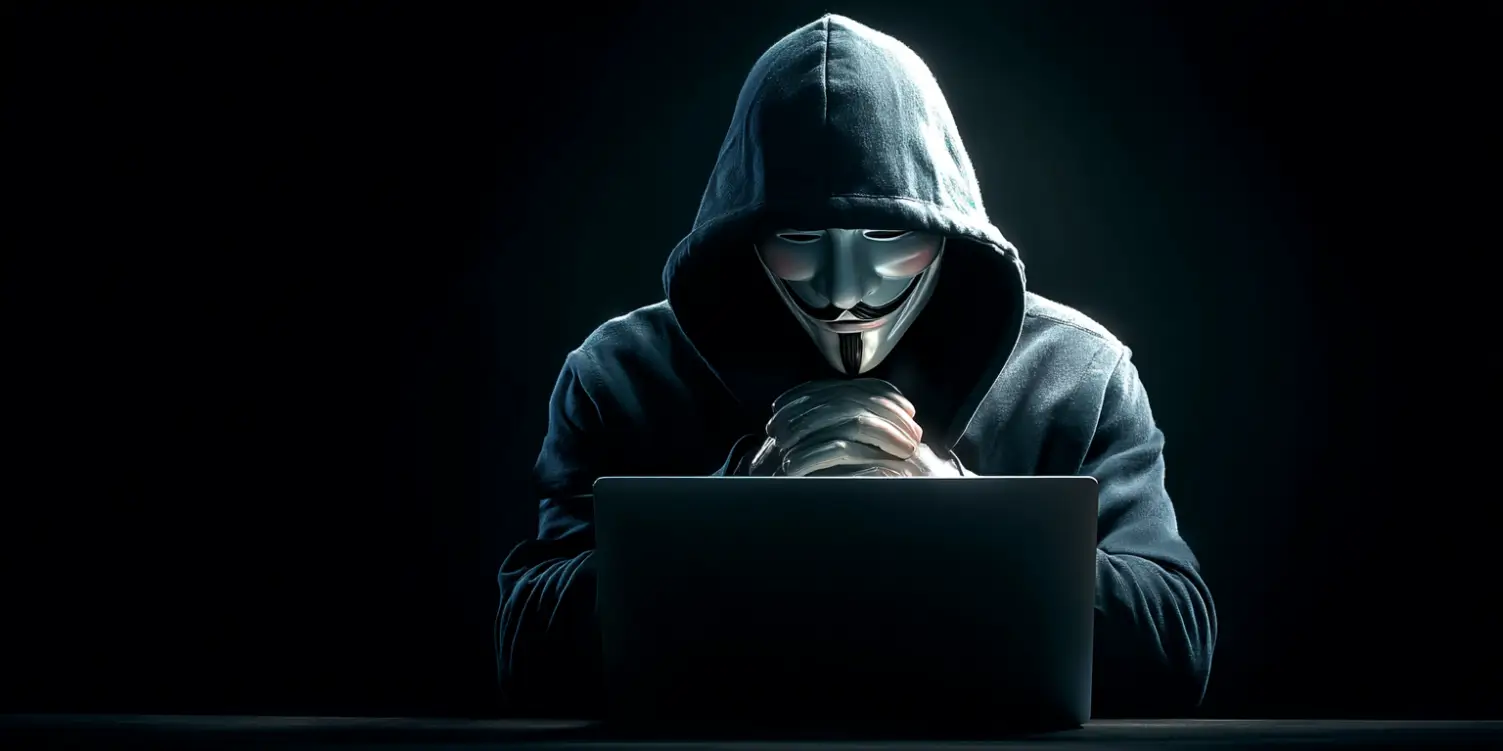
In today’s digital world, keeping your computer safe from viruses and hacker attacks is more important than ever. With these simple yet effective tips, you can protect your personal information and ensure your computer runs smoothly.
Keep Your Software Updated
One of the easiest ways to protect your computer is by ensuring all your software is up to date. Software developers regularly release updates to fix security vulnerabilities, so it’s crucial to install these updates as soon as they become available. Most operating systems and applications have automatic update options that you can enable to make this process effortless.
Use Strong and Unique Passwords
Passwords are your first line of defense against unauthorized access. It’s important to create strong, unique passwords for each of your accounts. A strong password typically includes a mix of uppercase and lowercase letters, numbers, and special characters. Avoid using easily guessed information, such as birthdays or common words. Consider using a password manager to help you keep track of all your passwords.
Install Antivirus and Anti-Malware Software
Antivirus and anti-malware programs are essential tools in protecting your computer from malicious software. These programs scan your computer for viruses, trojans, and other threats, regularly updating their databases to protect you from new dangers. Make sure to schedule regular scans and always keep your antivirus software up to date.
Be Cautious with Emails and Downloads
Email is one of the most common ways for viruses and malware to spread. Be wary of emails from unknown senders or those that seem suspicious, and avoid clicking on links or downloading attachments from these emails. Similarly, be cautious when downloading files from the internet. Stick to websites you trust, and always scan downloads with your antivirus software before opening them.
Enable a Firewall
A firewall acts as a barrier between your computer and the internet, monitoring incoming and outgoing traffic to block harmful or suspicious connections. Most operating systems come with a built-in firewall, which should always be enabled. Additionally, you can consider investing in a hardware firewall for increased protection.
Secure Your Wireless Network
An unsecured Wi-Fi network can be an open invitation to hackers. Make sure your wireless network is password protected and uses strong encryption, such as WPA2 or WPA3. Change the default name and password of your router to something unique, and consider hiding your network’s SSID (the name that appears when you’re looking for Wi-Fi networks) to make it less visible to outsiders.
Regularly Backup Your Data
Backing up your data is a vital step in protecting yourself against data loss from viruses, hardware failure, or ransomware attacks. Schedule regular backups to an external hard drive or cloud storage service. This way, you can quickly recover your data if anything happens to your computer.
By following these essential security tips, you can significantly reduce the risk of viruses and hacker attacks, keeping your computer and personal information safe. Remember, even a few small changes can make a big difference in securing your digital life.